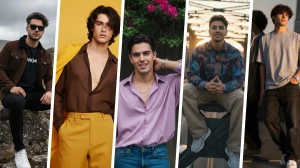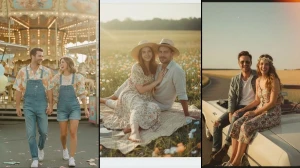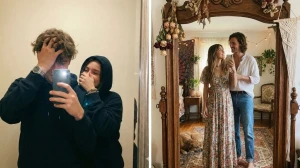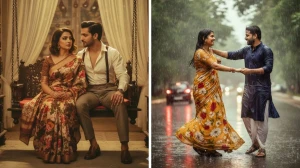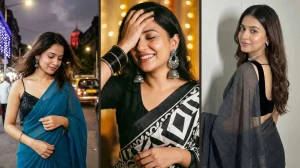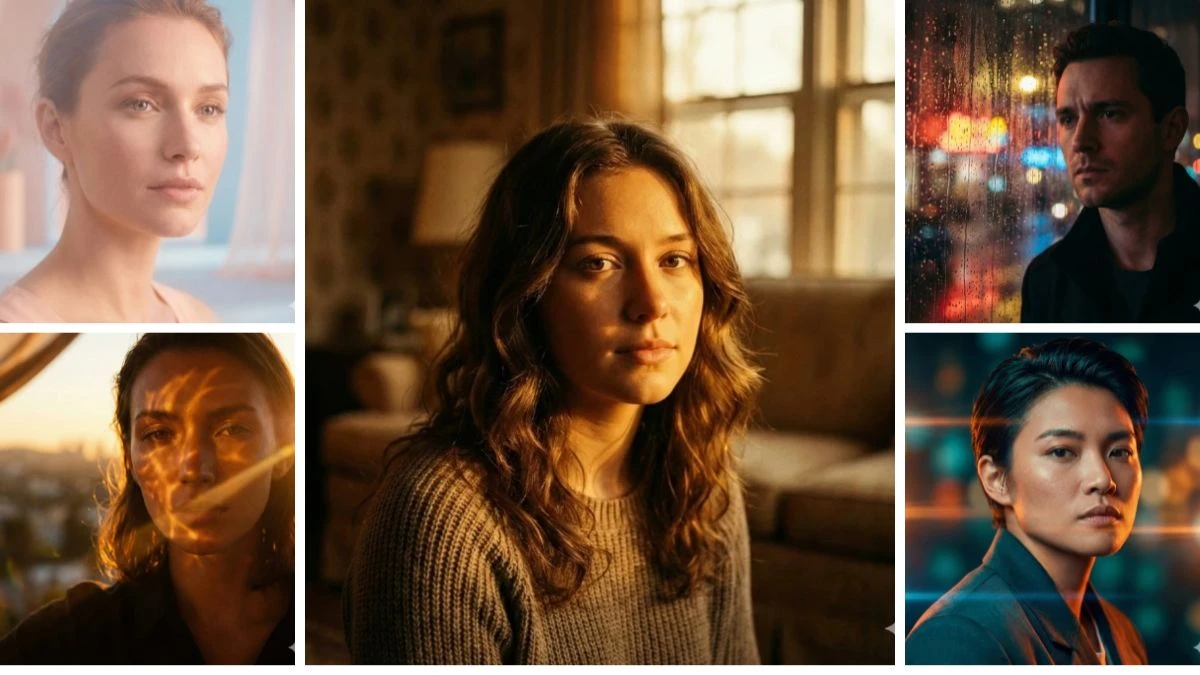
Imagine having a color-grading studio and a blockbuster cinematographer inside ChatGPT, just one line of text, and your average photo transforms into a bold, vibrant movie still.
“ChatGPT AI Photo Editing Prompts to Create Bold, Color-Rich Cinematic Portraits - Best ChatGPT Picture Prompts” showcases expertly crafted prompts that guide ChatGPT’s image generator to enhance saturation, adjust contrast, sculpt dramatic lighting, and maintain ultra-realistic faces without making them look plastic or cartoonish. These top-tier prompts empower creators to turn any selfie into a high-impact, poster-worthy portrait perfect for thumbnails, reels, banners, and profile pictures.
How to Create the Image?
-
Open ChatGPT (with image generation enabled, such as GPT-4o or DALL·E) on the web or app and start a new chat.
-
If editing an existing photo, upload your selfie or portrait. If you're generating a new image from scratch, simply skip the upload and describe the person in text.
-
Copy one of the “ChatGPT AI Photo Editing Prompts to Create Bold, Color-Rich Cinematic Portraits - Best ChatGPT Picture Prompts” lines from your list and paste it into the chat.
-
Add a brief note like “bold color-rich cinematic lighting, ultra-realistic portrait, keep natural face, no extra fingers, no text or watermark” and send the message.
-
Wait for ChatGPT to generate the image, then review the colors, lighting, and facial details.
-
If something seems off, reply with a small tweak such as “slightly softer shadows,” “reduce saturation,” or “change background to neon city,” and regenerate as needed.
-
Open the best result in full size, download it in the highest resolution available, and crop it for use as a DP, thumbnail, or reel cover.
Prompt 1:
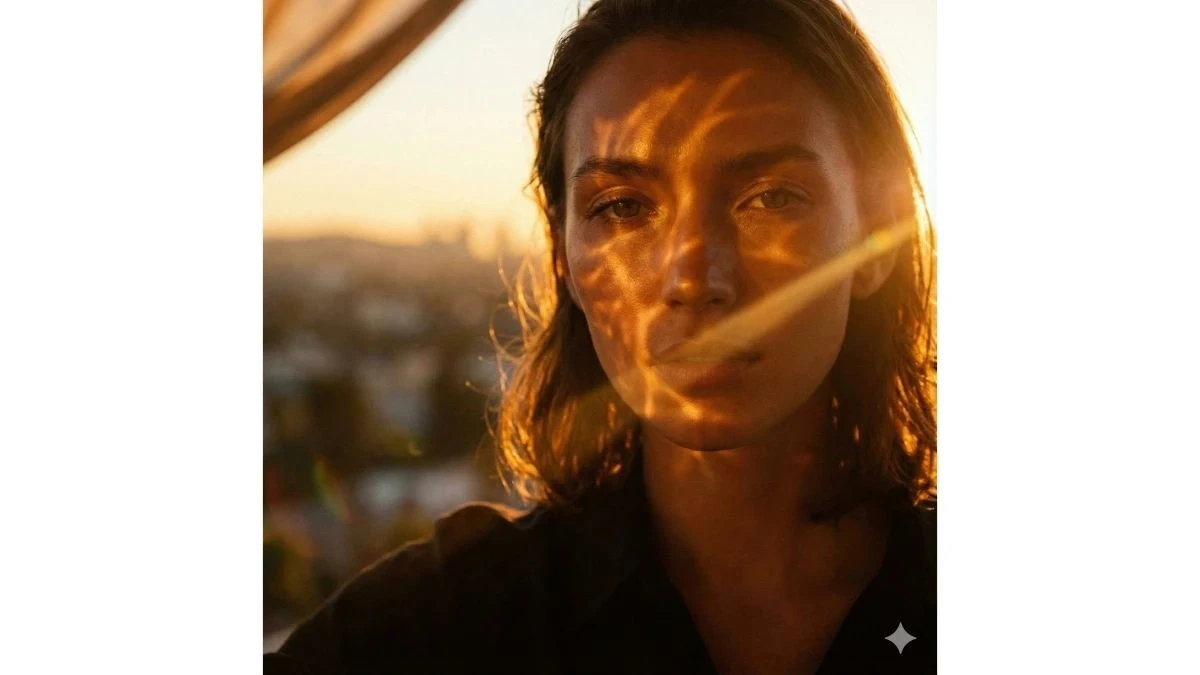
Use This:
"Take my uploaded portrait and transform it into a sun-soaked golden hour cinematic scene. Warm amber light should ripple across my face, creating rich golden highlights in the hair and cheekbones, while the background melts into a soft cinematic bokeh. Add ultra-rich color grading, warm shadows, and a subtle lens flare that feels like an editorial fashion magazine cover shot on a real camera lens — not flat digital light. The finished photo should feel like a moment captured at magic hour in a viral Instagram lifestyle post — dramatic yet natural."
Best for: Warm aesthetic profile photos, travel storytelling
Prompt 2:
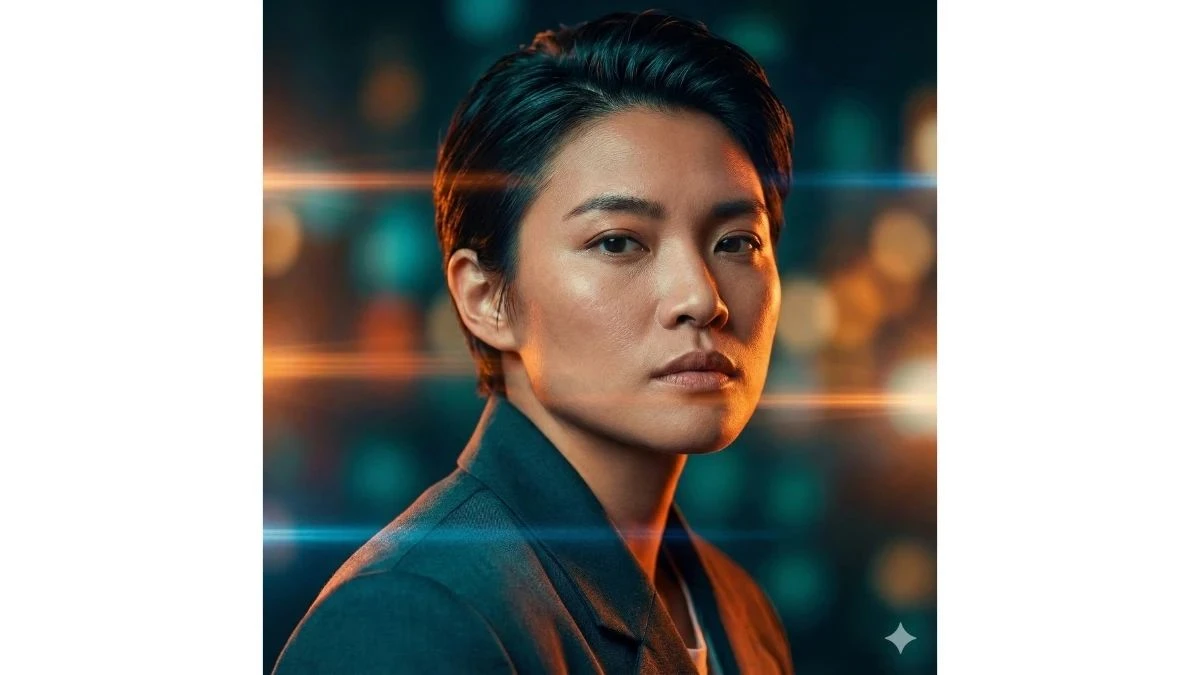
Use This:
"Using my uploaded portrait, produce a high-contrast teal and orange cinematic look that pops on Instagram Explore. Amplify the electric teal tones in the shadows and the sunset orange highlights on skin, with layered light flares and polished color grading. Smooth skin texture just slightly, but preserve realistic pores and details. Add a wide aperture, shallow depth of field that blurs the background into creamy, rich color. The final image should feel ultra-polished — like a travel editorial spread that stops scrolling."
Best for: Bold color streams, reel covers
Prompt 3:
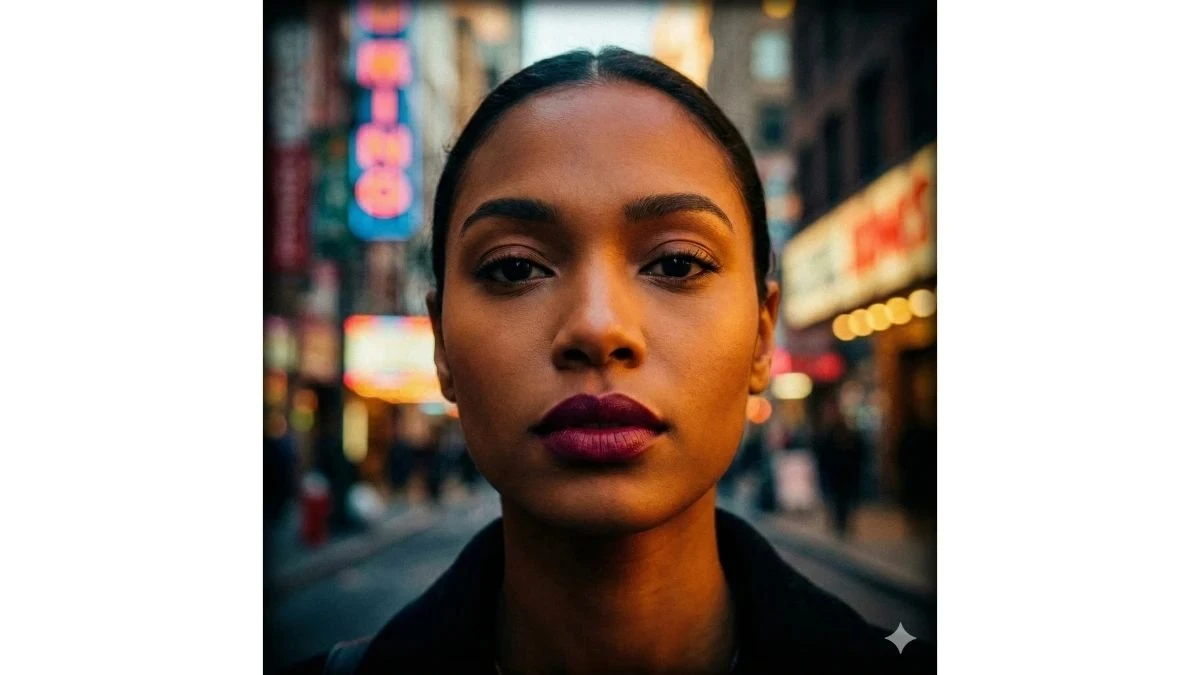
Use This:
"Convert my photo into an extra-bold, ultra-saturated cinematic portrait where colors feel alive and dynamic without looking fake. Enhance lip tones and warm skin contrast, deepen the shadows for richness, and lift mid-tones so my features glow. Background colors should remain vibrant but not overpower the subject. Add tiny film grain for texture and a subtle vignette to center attention. This should look like an Instagram trend edit that feels rich, dramatic, and real."
Best for: Aesthetic, color-rich feeds
Prompt 4:
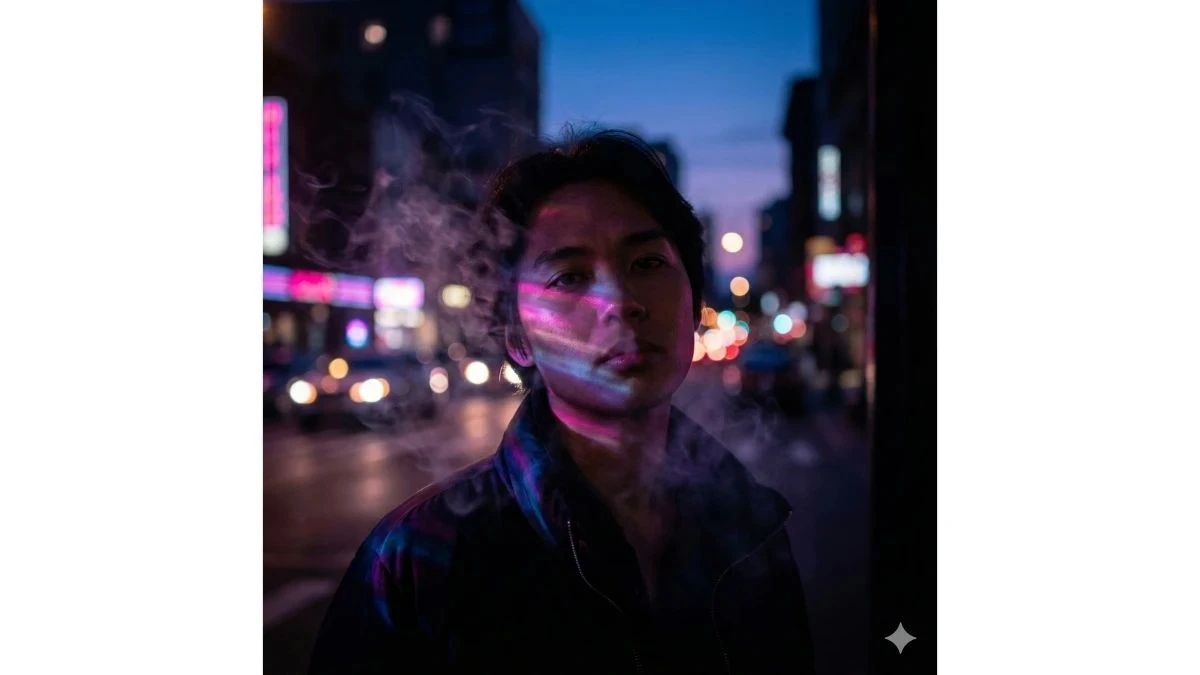
Use This:
"Turn my portrait into an evening city vibe with glowing neon reflections and light smoke drifting through the frame. Add vivid neon pink, purple, and blue colors reflecting on my skin as though street lights surround me. The background should feel like blurred nightlife energy, with soft smoke swirling and directional low light illuminating my face. Keep deep shadows rich and contrast high, giving the edit an ultra cinematic night vibe."
Best for: Night aesthetic reels
Prompt 5:
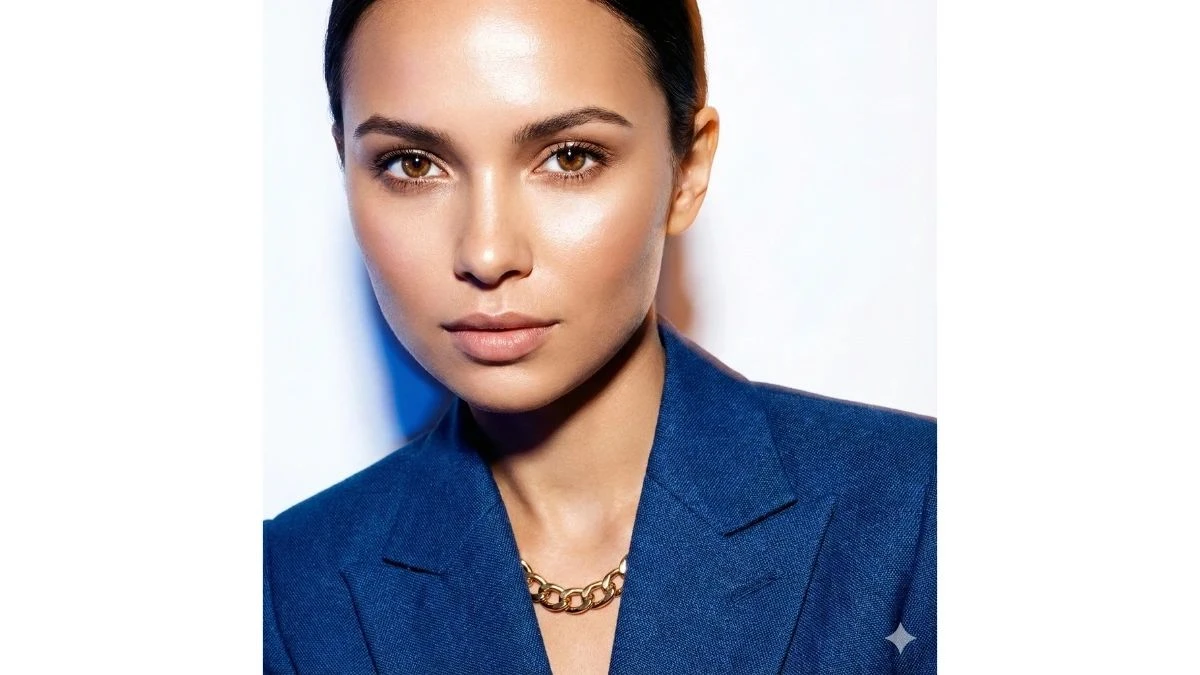
Use This:
"Transform my portrait with bright, high-key flash lighting — bold highlights, crisp shadows, and a clean, ultra-modern portrait style. Colors should be rich and vibrant, with sharp, detailed eyes and radiant skin tone. The background should stay minimal but alive with color accents, like a studio fashion shoot on IG. Add just the slightest fabric texture enhancement to make clothes and accessories pop."
Best for: Fashion influencer, editorial shots
Prompt 6:
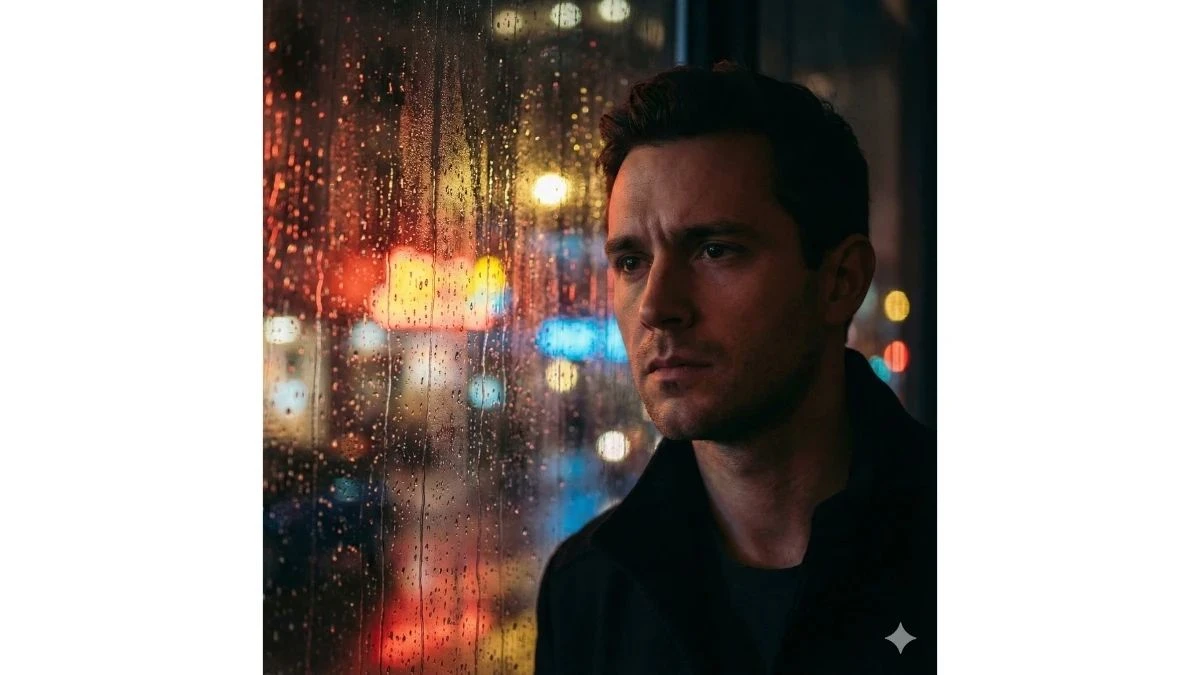
Use This:
"Using my uploaded image, generate a dramatic cinematic scene where I’m standing behind a rain-streaked window, city lights glimmering in the blurred background. Colors should be vibrant and reflective, especially warm reds, yellows, and city neon, with dramatic highlights on the glass. My expression and face must remain true, with soft, emotional contrast, like a moody story still from a cinematic Instagram reel."
Best for: Storytelling reels, emotional aesthetic
Prompt 7:
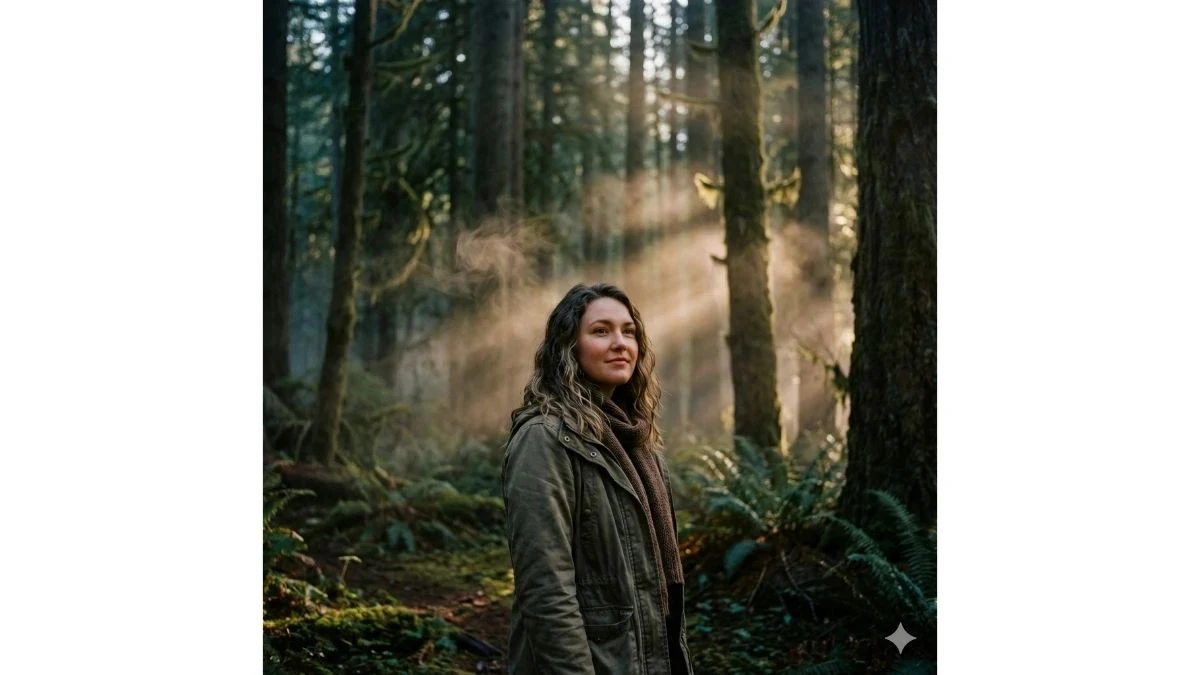
Use This:
"Convert my portrait into a deep forest cinematic portrait at dusk, where gentle shafts of light cut between trees and light mist curls around the frame. Rich earth tones and deep greens should define the color palette, while my skin glows softly. Add soft film grain and rich color depth that feels like a modern nature documentary still — dramatic yet serene."
Best for: Nature aesthetic profiles
Prompt 8:
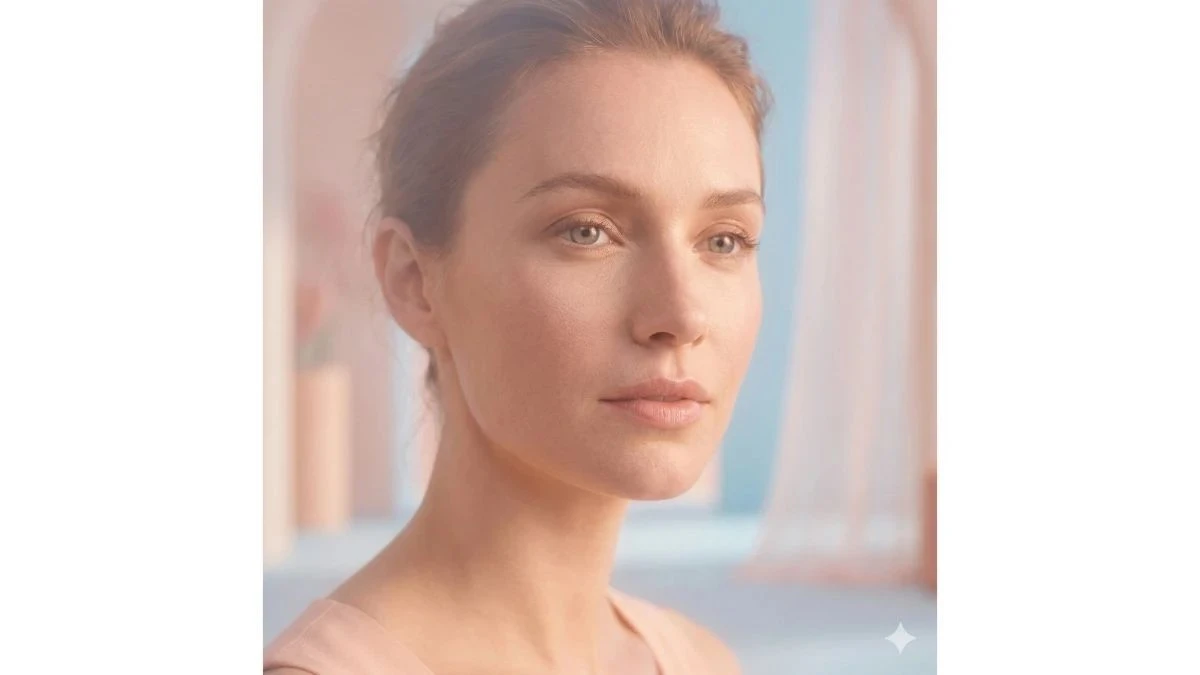
Use This:
"Turn my photo into a soft, pastel-rich cinematic portrait. Light should feel ethereal and glowing, with gentle peach, blush, and sky blue tones dominating. Preserve the skin’s natural texture but elevate contrasts slightly to keep the frame rich, not washed out. The background should be dreamy and clean, like an IG fashion editorial with subtle, artistic color toning."
Best for: Soft aesthetic feeds
Prompt 9:
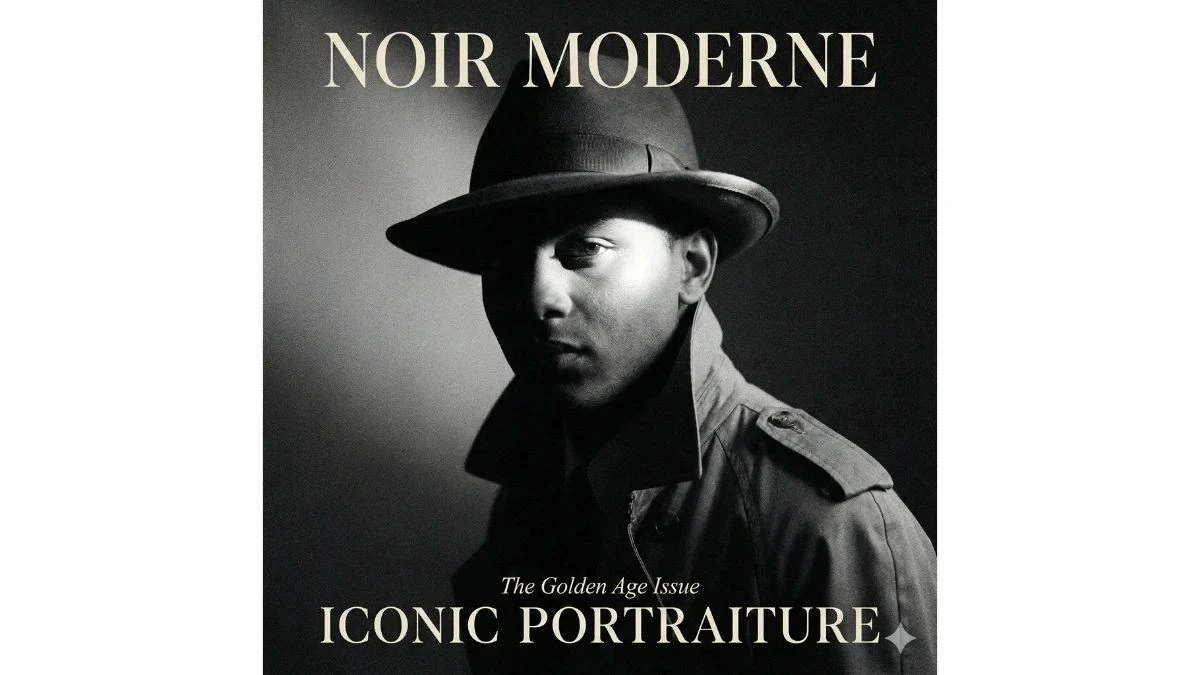
Use This:
"Transform my portrait into a rich black-and-white film-noir style with bold contrast, deep shadows, and glowing highlights — like an elegant magazine cover from the golden age of cinema. Texture should feel like real film grain, with dramatic lighting framing my face. The effect must feel premium and classic — not lifeless — like a high-fashion, trend-driven Instagram shot."
Best for: Timeless IG portraits
Prompt 10:
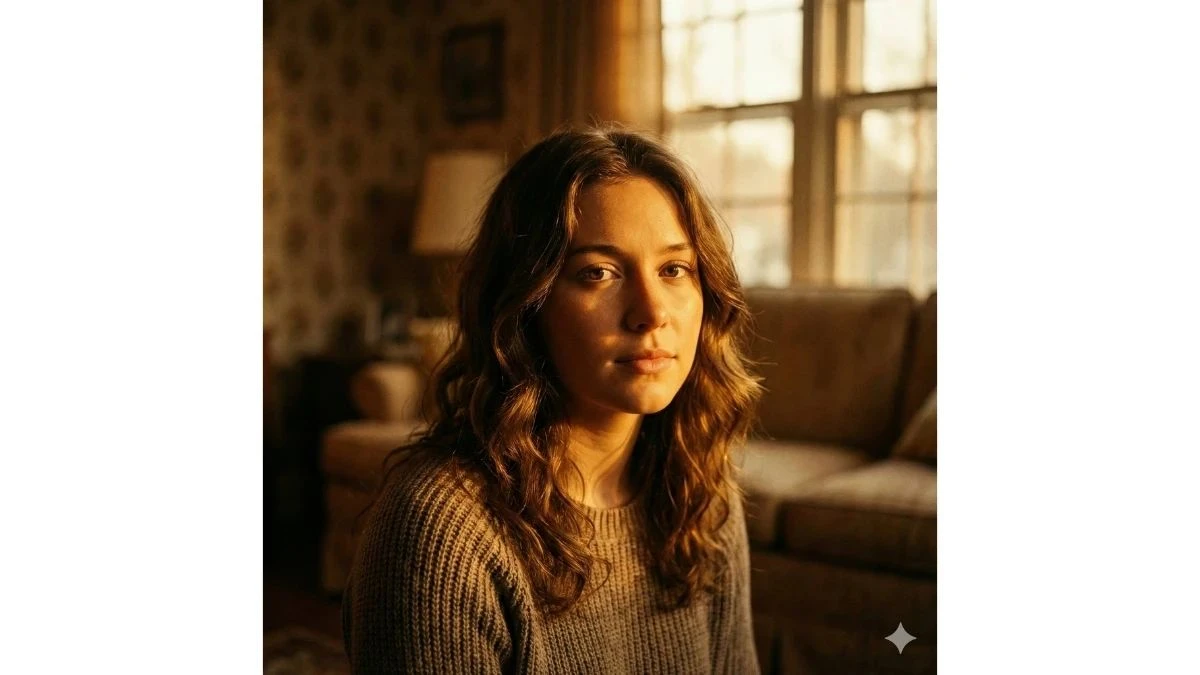
Use This:
"Using my portrait, blend warm cinematic retro color tones that feel like a nostalgia-driven Instagram trend. Add rich, glowing warm lights, a hint of retro film grain, and golden illumination that bathes the skin. Background tones should complement with soft honey hues and gentle shadowing, enhancing depth while keeping the image richly colored and bold."
Best for: Retro aesthetic, vintage reels
Prompt 11:
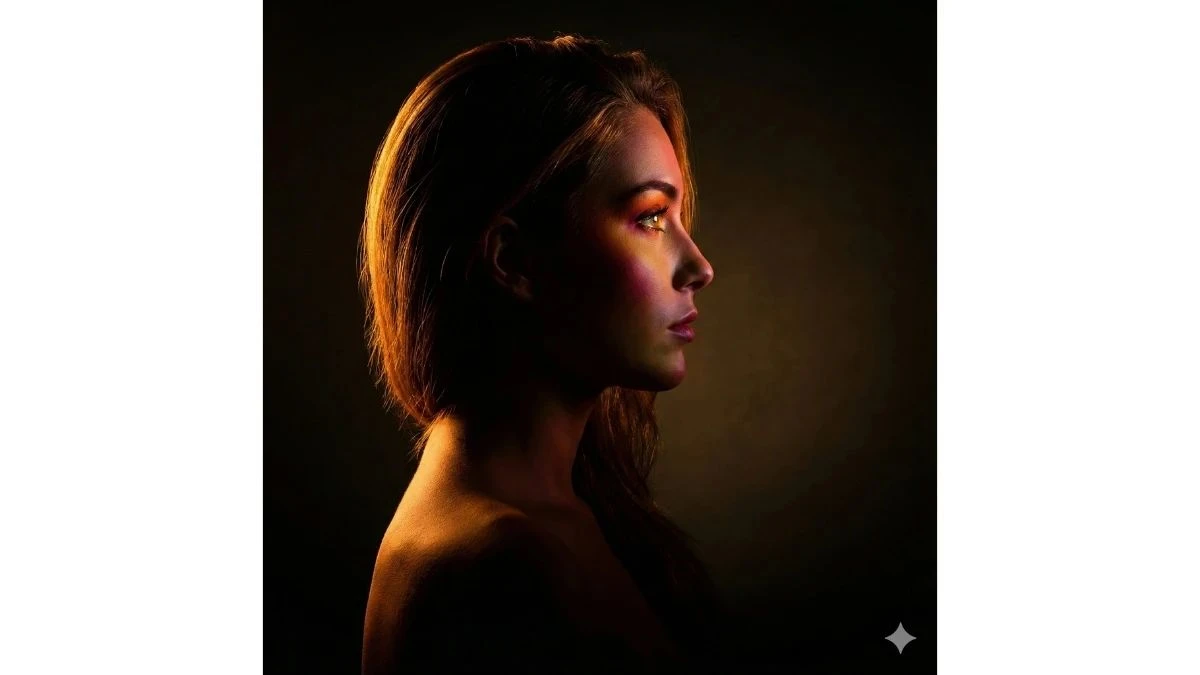
Use This:
"Take my photo and apply a studio rim light cinematic edit — bold side light that outlines my silhouette with rich, warm edges. Colors on the face should be vivid, eyes bright and confident, and shadows deep. Background minimal, letting the light layering tell the visual story. This feels like a high-fashion studio post trending across Instagram right now."
Best for: Fashion editorials
Prompt 12:
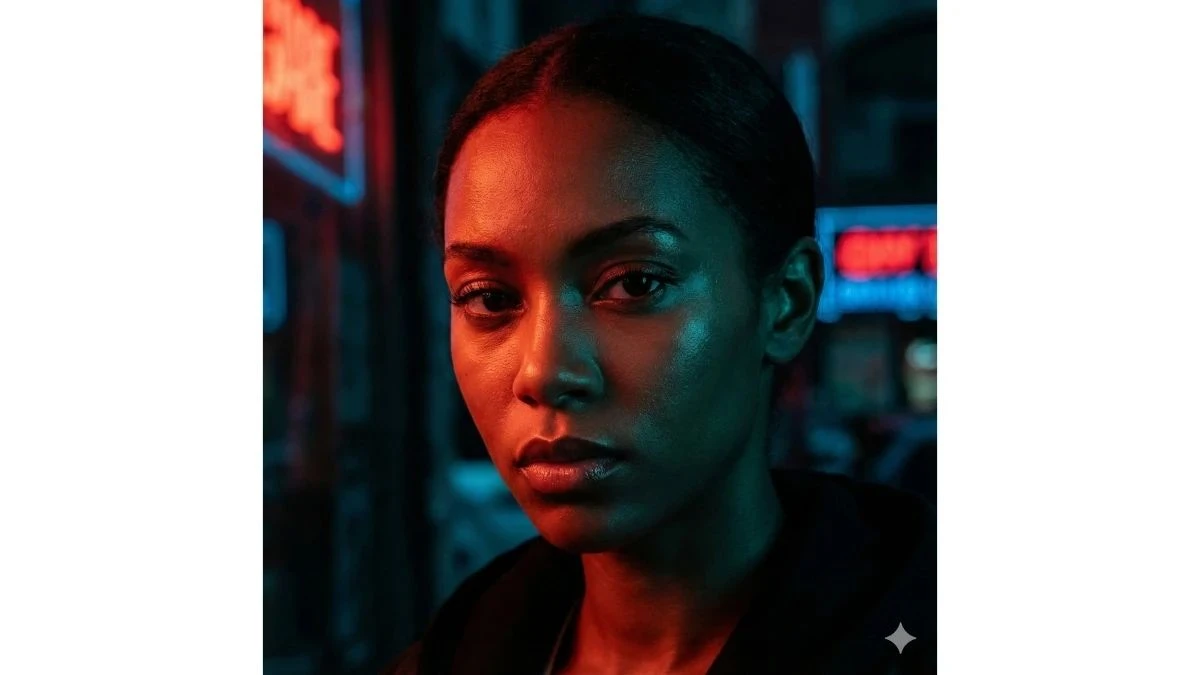
Use This:
"Turn my portrait into an intense red and teal cinematic contrast look — bold, dramatic, and rich. Warm red tones should hit one side of my face, while cool teal shadows sculpt the other. Deep saturation, high contrast, and glossy finish make this edit pop in an Instagram explore feed. Preserve identity and clarity, with crisp edges and dramatic color storytelling."
Best for: Bold trending portraits
Prompt 13:
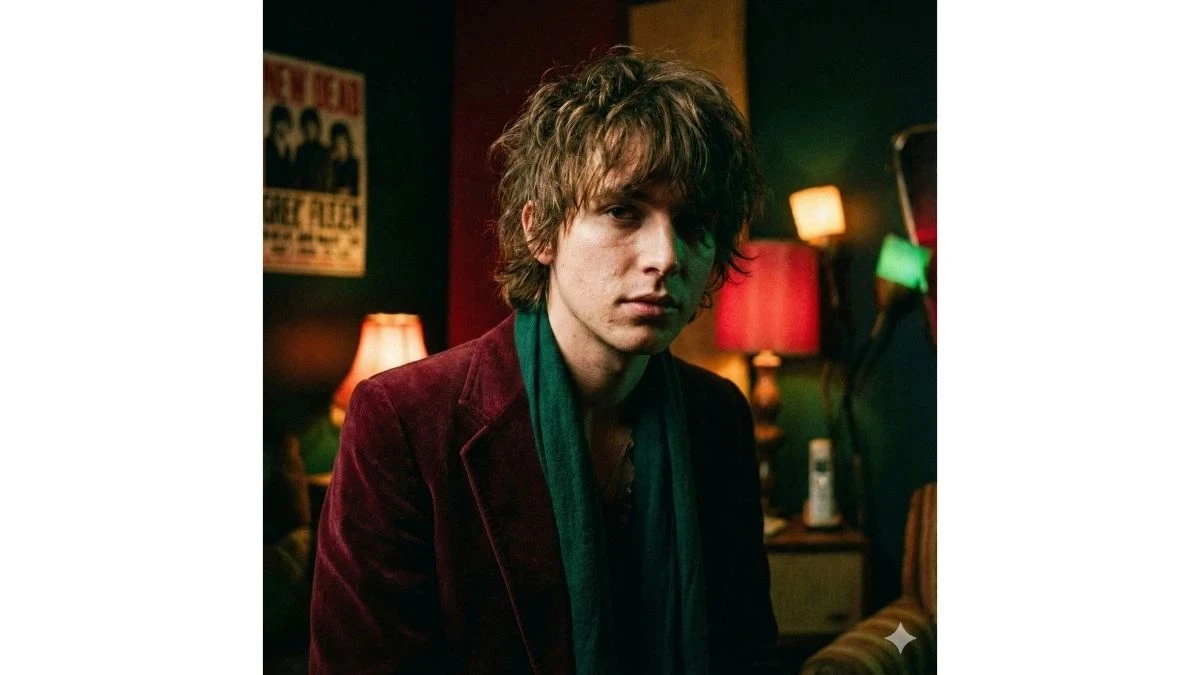
Use This:
"Transform my portrait into a moody indie sleaze cinematic edit with bold color pops, grainy texture, and artistic lighting. Infuse deep emerald and maroon tones with high contrast shadows, while keeping skin real and textural. The result should feel raw yet elevated — a visually compelling, IG-trend-ready cinematic portrait that stands out without overprocessing."
Best for: Artistic, trend-editorial posts