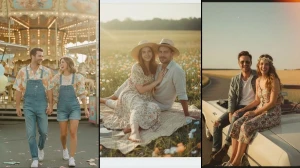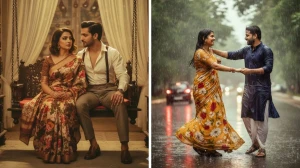
Gemini AI Prompt: Transform your photos into a Hand-Drawn illustration
With Gemini AI, transforming your photo into a hand-drawn illustration is simple and fast. Whether you're looking for detailed pencil sketches, clean line art, or a fun cartoon-style drawing, all it takes is uploading your picture and specifying your preferred style in the prompt. Gemini AI’s advanced image editor allows you to effortlessly turn any photo into a stunning hand-drawn illustration in seconds, making it ideal for social media, portfolios, or any creative project.
Prompt :
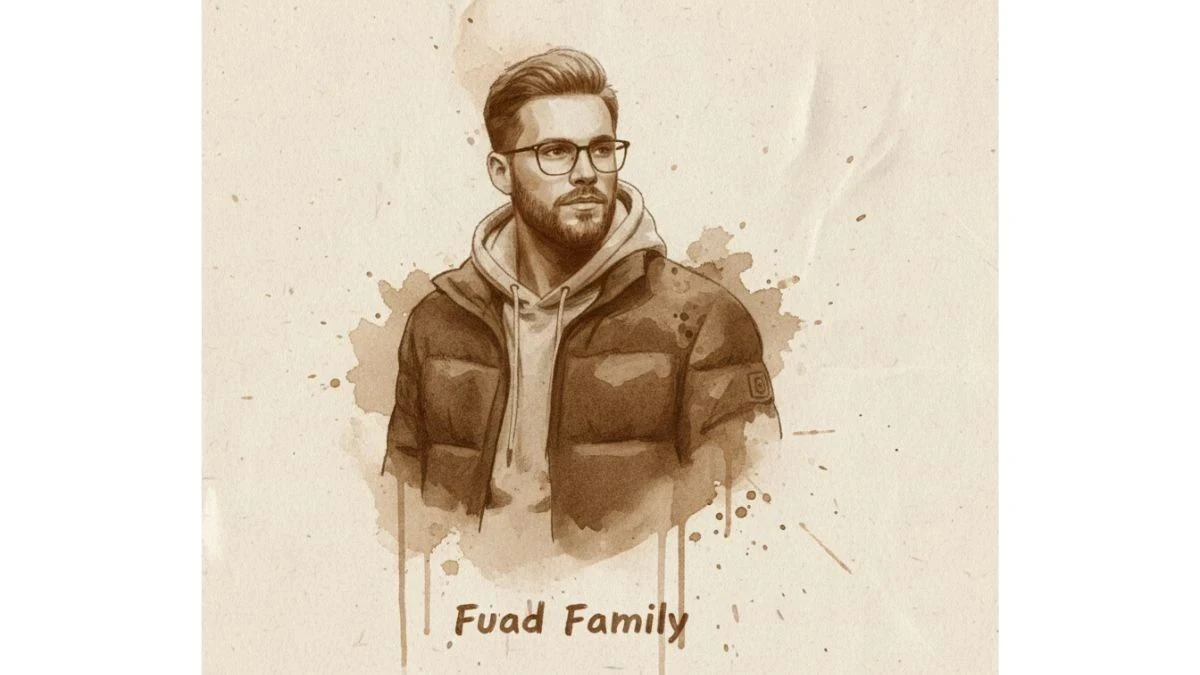
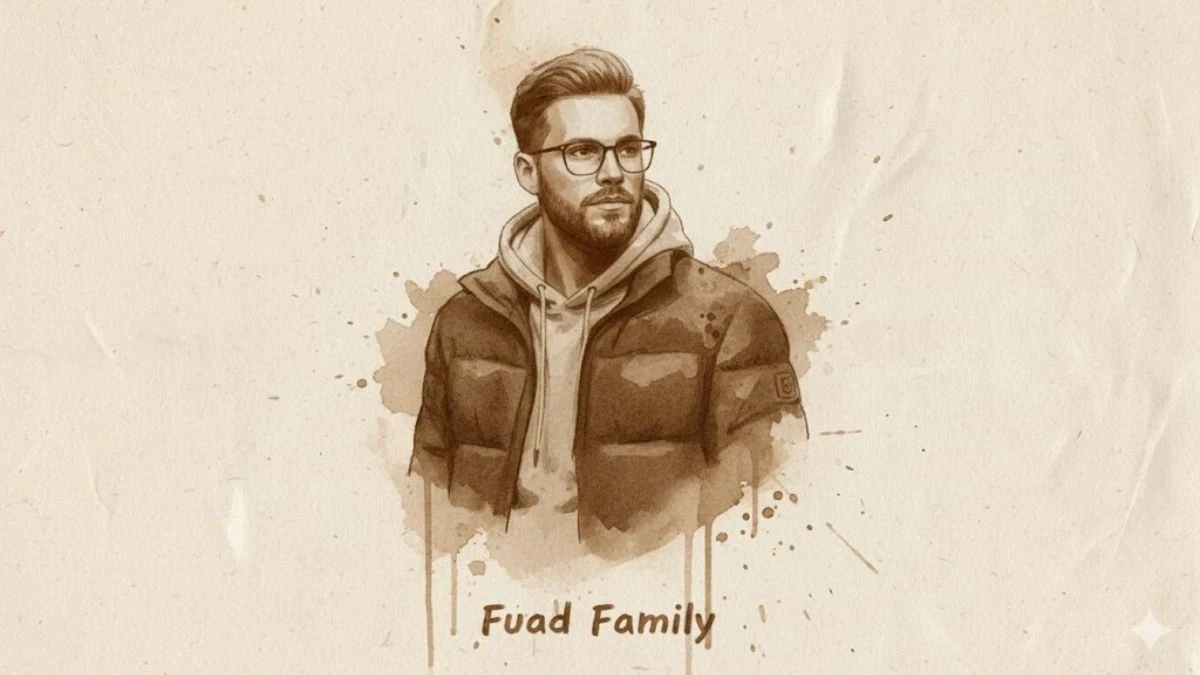
Use This:
Transform the portrait into a hand-drawn illustration made with coffee on textured paper. Use natural brown coffee stains and brush strokes instead of ink or pencil lines. The paper background should show grain and uneven absorption, giving it an organic, vintage look. Preserve the likeness and proportions of the face, but render with artistic imperfections, splashes, and subtle tonal gradients that mimic coffee painting. Avoid modern digital effects—make it look handcrafted. Add the text 'Fuad Family' at the bottom.
Image Credit: Gemini AI
How to Create Hand-Drawn Images with Gemini AI?
-
Open the Gemini AI app or website and log in.
-
Upload your selected photo—clear, front-facing images yield the best results.
-
Write a detailed prompt outlining the style you want.
-
Submit your prompt and let Gemini AI generate multiple artistic versions. Select your favorite, download it, and share!